 CodaKeys
How to
Turn a hummed melody into MIDI on a Mac
You have a tune in your head and no keyboard nearby. In CodaKeys you hum it, Claude writes it as notes on a new track, and you edit those notes like any other part. This is the whole path, with the places it can go wrong.
What you need
A Mac with Apple silicon on macOS 13 or later, CodaKeys, and Claude Code signed in with your own Claude plan (the free plan does not include Claude Code). The Guide covers the install. CodaKeys is an invitation-only beta, free while it lasts.
Humming uses the microphone, so allow it when macOS asks, or later in Settings › Permissions. Wear headphones: the speakers are muted while CodaKeys records, so a backing track would otherwise leak into the take.
Hum the tune
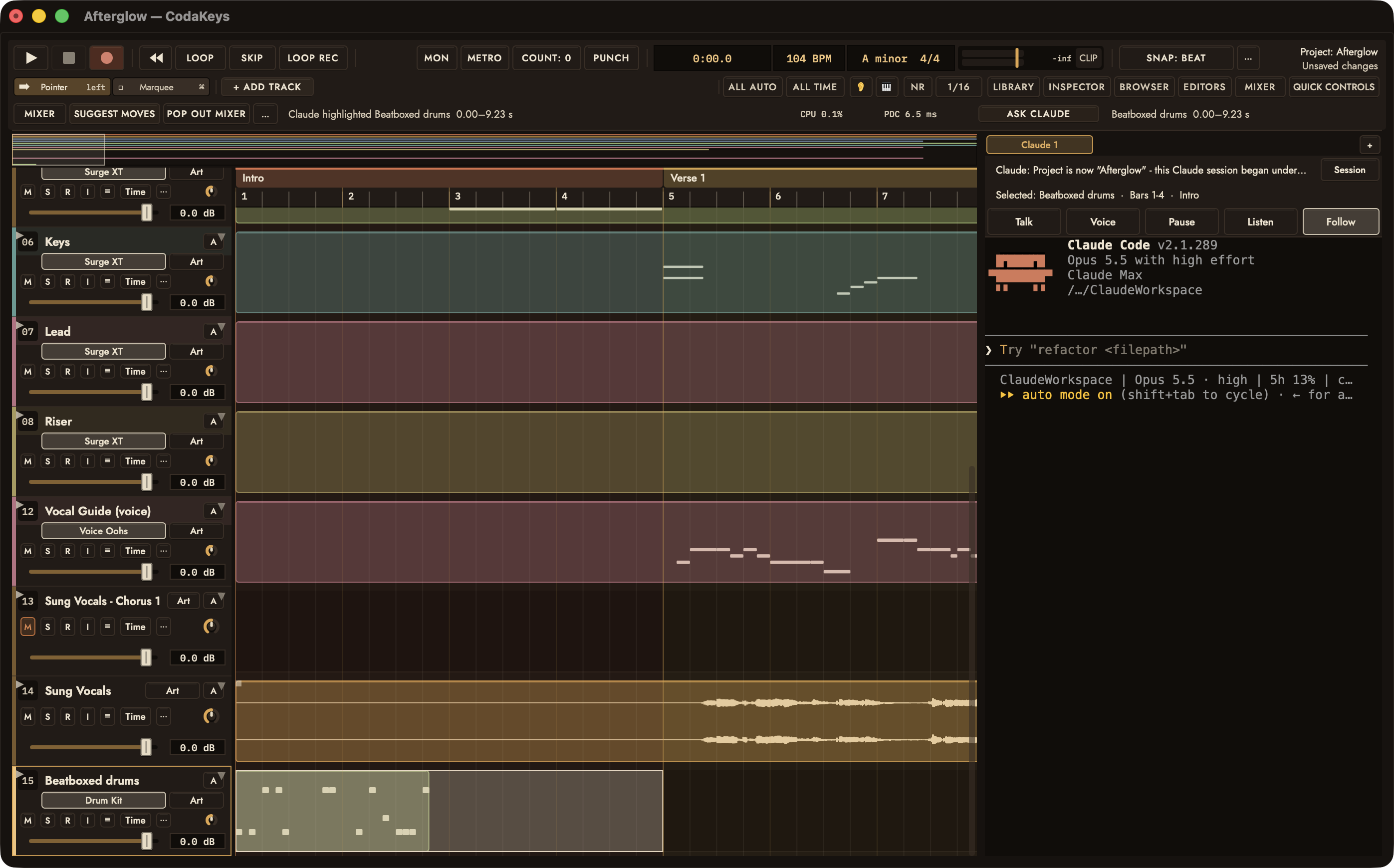
Where Talk in the Claude panel, or hold fn
- Hold the Globe key (fn) anywhere in CodaKeys, or hold Talk at the top of the Claude panel.
- Hum, sing on one vowel, or whistle the melody. Don’t use words: a hold with sound but no words is treated as a performance, not a message.
- Let go. The sound goes to Claude, which runs
/ck-hum.
Hum slowly and leave a beat between phrases. Steady, separate notes read better than a slide, and one clear line reads better than a hum with a second voice in it.
What you get back
Claude writes what it heard as notes on a new track called Hummed melody, at the bar where the playhead was. The recording stays on its own audio track, muted, so you do not hear it twice. Your original take is not changed.
Claude then tells you in a couple of lines how many notes it found, the key it guessed, the feel and the register. If it was unsure of something, such as a note it moved by an octave or a timing it had to guess, it says so rather than hiding it.
If you hummed a beat instead, the result is a track called Beatboxed drums. If Claude read your tune as a beat or the other way round, say so and it redoes it.
Check it and fix it
Ask Claude to loop the bars and play them. If you like, play them on a different instrument first: the notes are ordinary MIDI, so any instrument in CodaKeys can play them.
- A wrong note: open the track and move the note, or highlight the bars and tell Claude what is wrong.
- Everything an octave low: ask Claude to move the part up an octave.
- Timing a little loose: ask Claude to tighten it to the grid, or keep it as you played it. Both are fine.
Anything Claude changes can be undone with ⌘Z like your own edits.
Then build around it
Once the melody is notes, you can ask for chords that fit it. Claude offers a few choices, such as a plain set, one with borrowed chords and one with sevenths, as versions on the chord track that you flip between by ear and keep the one you like. It adds drums or a bass only if you ask.
Tell it what you want in the same breath if you know: “hum a tune, put chords under it, keep it sad”. Or hum first and decide after.
Not signed up yet? Ask for the beta on the home page. The rest of what CodaKeys does is on Features.